Table of Contents
What Is B2B Website Personalization?
B2B Website Personalization Strategies
B2B Website Personalization Examples
B2B Website Personalization Tools
How to Choose the Right Personalization Approach and Tools
Common Mistakes in B2B Website Personalization
Personalization Needs the Right Visitors, Cleverly Drives Them to Your Site
Conclusion
Frequently Asked Questions
Modified On :
September 3, 2026
Key Takeaways
- B2B website personalization works on two levels: account-level (industry, size, tier) and individual-level (role, behavior, funnel stage). Most companies need both, not one or the other.
- Match your personalization effort to account value. Segment-level personalization covers your whole funnel efficiently, while 1:1 personalization only makes sense for named accounts already worth the extra work.
- The proof points that move conversions most are named-customer social proof, industry-specific case studies, and CTAs that match visitor intent, not generic homepage messaging shown to everyone.
- Personalization tools are only as valuable as your ABM maturity. Buying an enterprise platform before you have the targeting and traffic to justify it wastes budget.
- Even a perfectly personalized site underperforms if the wrong accounts are landing on it. Personalization and targeted outbound have to work together, not separately.
A Fortune 500 buyer and a 10-person startup founder land on the same page, see the same headline, and get the same pitch. Neither one feels like the message was written for them, and both notice.
That gap matters more than most teams realize. ABM-personalized landing pages typically convert at 15-25%, compared to 5-10% for generic pages, and Snowflake's marketing team measured a 34% conversion rate on personalized pages against 11% on the generic version, roughly a 3x lift.
Headline and social proof changes alone can drive up to 80% of that conversion lift, which means the highest-leverage personalization work isn't always the most complex to build.
This guide covers what B2B website personalization actually means, the strategies worth running, real examples you can borrow from, and the tools that make it possible in 2026.
If you're running ABM or targeted campaigns and want your website to finally match the precision of your targeting everywhere else, this is where to start.
What Is B2B Website Personalization?
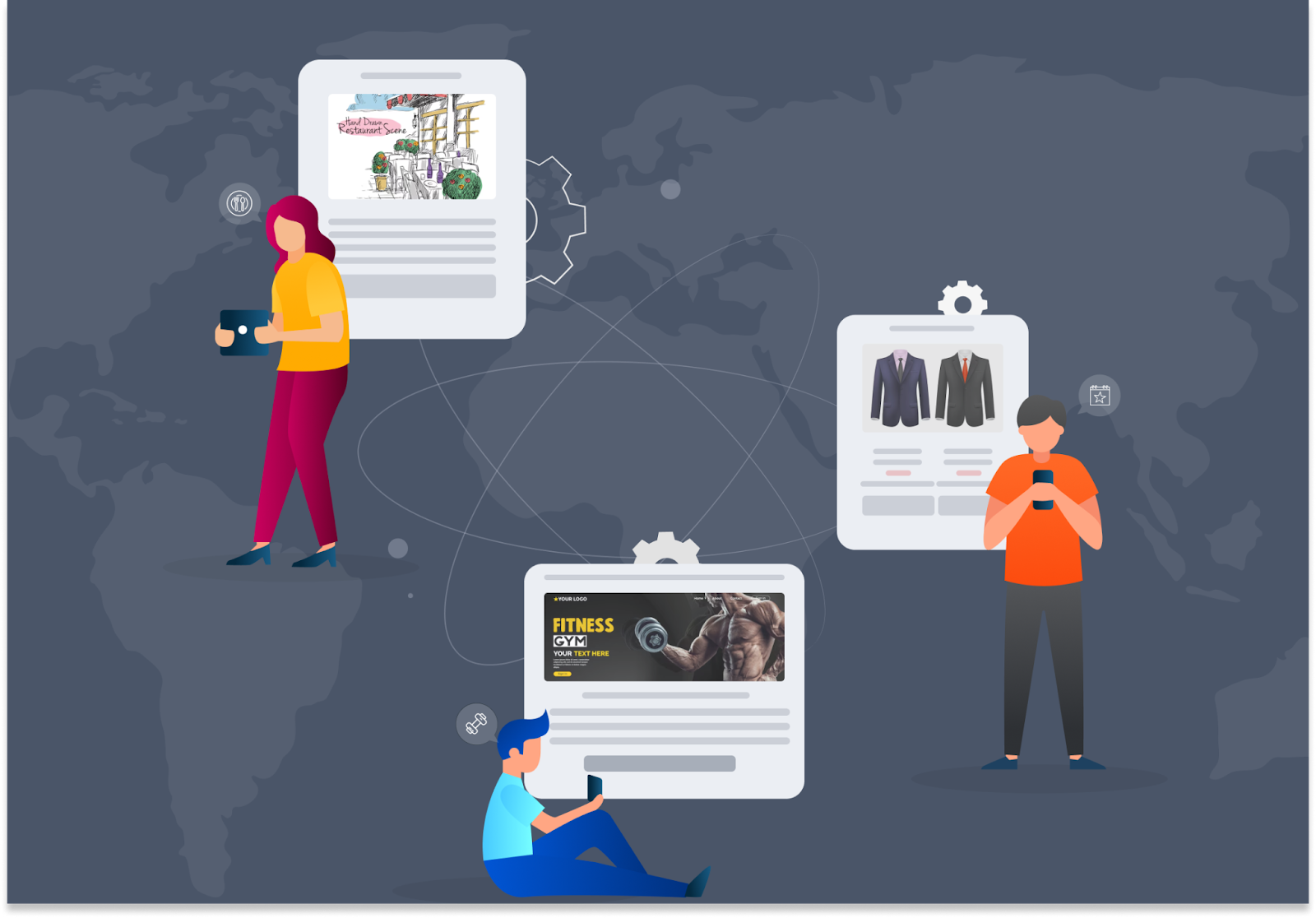
Website personalization means showing different content, messaging, or experiences to different business visitors based on who they are, instead of running one static site for everyone who shows up.
It works on two levels:
- Account-level personalization — adjusted by industry, company size, region, or account tier.
- Individual-level personalization — adjusted by role, past behavior, or where someone sits in the funnel.
B2B personalization isn't the same game as B2C personalization. Consumer sites personalize around individual browsing behavior, one shopper at a time.
B2B sites need to think in terms of accounts and buying committees, since a single deal might involve five or six different stakeholders, each looking at your site with a different job to do.
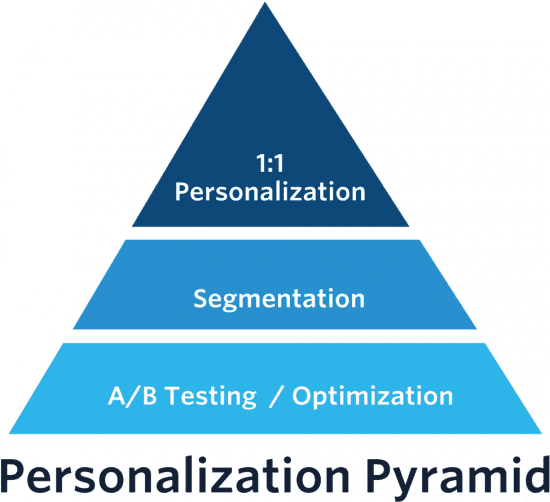
The effort scales too. On one end, you've got broad segment-based experiences that serve a whole category of visitor the same tailored content.
On the other end, you've got fully 1:1 personalized pages built for one specific named account. Neither approach is "correct." The right mix depends on what you're targeting and how much that target is worth.
🚀 Personalize More. Convert More.
Pair a smarter website experience with LinkedIn, cold email, and cold calling campaigns that generate 15–30 qualified meetings every month.
B2B Website Personalization Strategies
Personalization works on a spectrum of effort. The trick is matching the approach to what the account is actually worth, not defaulting to the fanciest option because it exists.
Segment-Level Personalization
This groups visitors into meaningful buckets, industry, company size, tech stack, or funnel stage, and serves one tailored experience per bucket instead of building a unique page for every visitor.
Most B2B companies run 5 to 10 segments. That's usually enough to feel relevant to the visitor without the overhead of building true 1:1 experiences for everyone.
If you're just starting with website personalization strategy, this is the right entry point. It's manageable, it's measurable, and it doesn't require an enterprise budget to pull off.
1:1 Account-Level Personalization
This is the highest-effort approach: a page built for a single identified account, referencing them by name.
It's worth reserving for:
- Named target accounts already on your ABM list
- Accounts sitting in an active open opportunity
- Strategic or high-value logos where the deal size justifies the extra work
1:1 personalization doesn't scale across your whole visitor base, and it shouldn't try to. You're trading breadth for depth on purpose, only where the potential deal value makes that trade worth it.
Industry-Specific Proof and Landing Pages
Show industry-relevant case studies, testimonials, and proof points based on the visitor's detected industry. A fintech visitor sees fintech case studies. A healthcare visitor sees healthcare results.
This reinforces relevance the moment someone lands, instead of making them dig through your site hoping to find proof that actually applies to their situation.
CTA Hierarchy Shifts by Intent
Not every visitor is ready for the same ask. A high-intent or high-value account might see "book a consultation" instead of a generic "learn more."
Matching the CTA to where the visitor actually is, rather than using one CTA for everyone regardless of readiness, keeps you from either scaring off early-stage visitors or under-asking high-intent ones.
Geo-Based and Region-Specific Content
Adjust language, currency, case studies, or compliance messaging based on where the visitor is located. This matters most if you sell across multiple regions with different regulatory environments or market expectations.
A page that references the wrong currency or the wrong compliance framework signals, immediately, that you don't fully understand that market.
B2B Website Personalization Examples
Strategy tells you what to do. These examples show what it actually looks like once it's live on a real site, and why each one works.
Named Account Landing Pages
This is the clearest form of website personalization examples you'll see referenced anywhere, and for good reason. A named account page swaps the generic hero for one that speaks directly to a single company: their logo in the hero band, their industry named in the headline, and a use case written in language that matches their specific situation rather than a generic pitch.
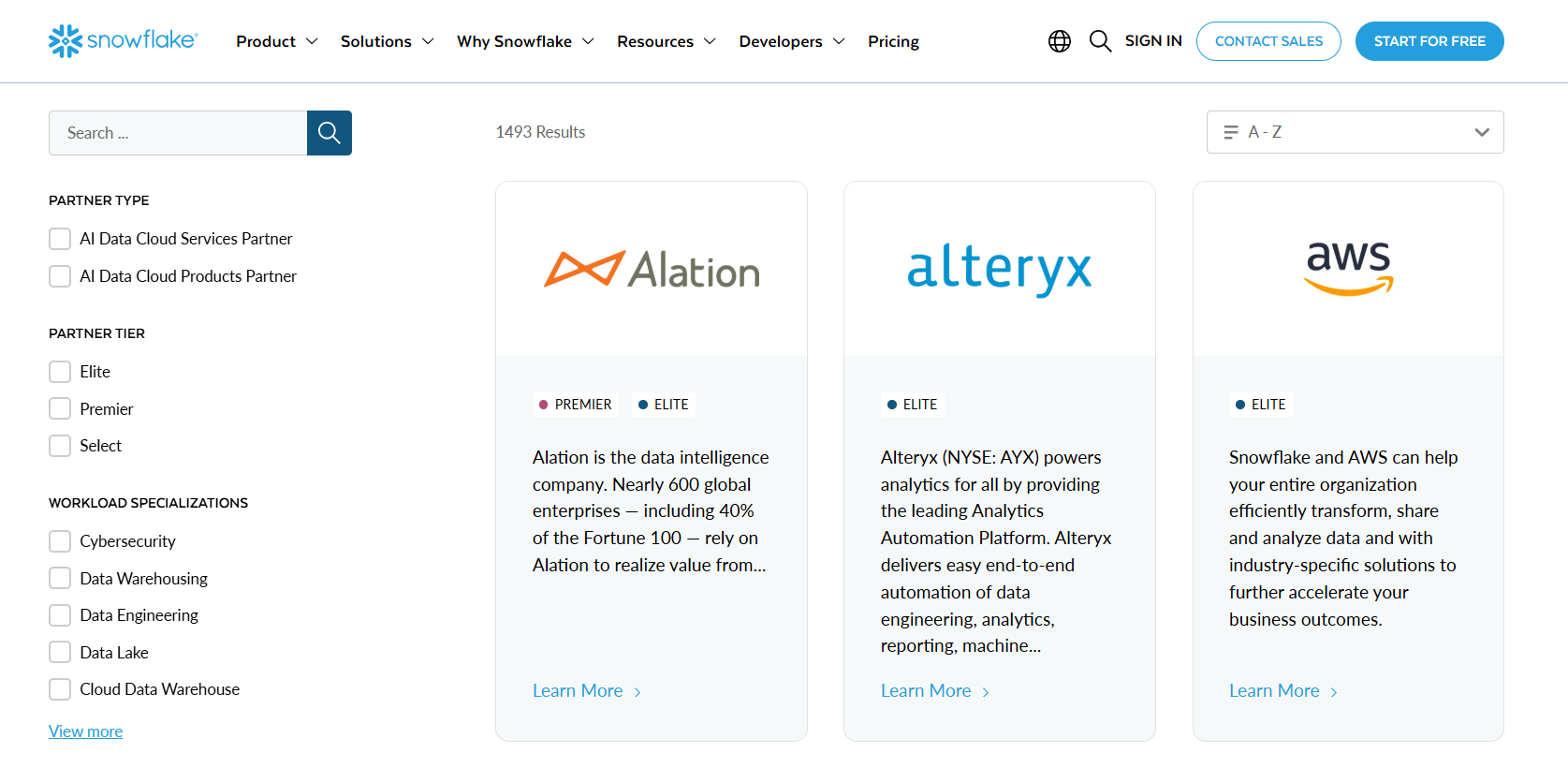
Snowflake's partner pages are a good real-world template for this. Each page swaps the partner logo, the integration architecture diagram, and a joint customer quote, so the hero answers one question immediately: what does this actually do for me. Drift ran a similar play years ago, rendering the prospect's logo in the hero and routing the on-page chatbot to the named SDR handling that account.
What to do instead of a generic demo page: build one strong base template, then swap three things per account, the logo, the headline's named pain point, and one piece of relevant social proof. That's usually enough to make the page feel built specifically for them, without needing a fully custom build for every account on your target list.
Industry-Adaptive Homepage Hero
Instead of building an entirely separate page, some teams personalize the existing homepage hero based on detected industry. A visitor from a fintech company sees a headline referencing compliance and fraud prevention. A visitor from healthcare sees language about patient data and HIPAA-relevant workflows. Same page, same layout, different words in the same three or four spots.
This works well because it doesn't require new pages or new URLs to manage. It's a rules-based swap layered on top of your existing homepage, which makes it a realistic starting point for teams without a dedicated web ops resource.
What to do instead of one generic homepage headline: pick your top 3 to 5 industries by pipeline value, write one headline variant and one proof point per industry, and let a tool like HubSpot Smart Content or Webflow conditional content serve the right version based on firmographic data you already have.
Account-Specific Pricing and Product Pages
For existing customers or accounts in active negotiation, pricing or product catalog pages can reflect account-specific negotiated terms, region-relevant offerings, or a curated subset of your product catalog rather than the full generic list.
This matters more in B2B than it might seem, since a repeat customer landing on a generic pricing page after months of negotiated terms creates unnecessary friction and confusion. Showing them their actual terms, or the products relevant to their contract, removes that friction entirely.
What to do instead of routing every visitor to the same pricing page: gate the personalized version behind account recognition (via CRM match or logged-in session), and keep a clean generic fallback for net-new visitors who haven't been through a sales conversation yet.
Intent-Based Dynamic CTAs
The CTA a visitor sees shouldn't be static. A first-time, unidentified visitor might see "Learn More." Once that same visitor is identified as belonging to an account already in an active sales conversation, the CTA can shift to "Book a Demo" or "Continue Your Conversation," matching where they actually are in the funnel instead of resetting them to the top every time they return.
This is one of the higher-leverage, lower-effort personalization plays available, since it doesn't require rebuilding page content, just changing what action you're asking for based on funnel stage.
What to do instead of one CTA for every visitor regardless of stage: map your CTA to three simple tiers, unidentified visitor, known account with no open opportunity, and known account in active pipeline, and let your identification tool trigger the swap automatically.
📈 Turn Visitors Into Pipeline
With 53,000+ meetings booked and $312M+ in pipeline generated, Cleverly helps 10,000+ businesses turn buyer interest into predictable growth.
B2B Website Personalization Tools
Most personalization stacks combine two separate pieces: a visitor identification tool that figures out who's on your site, and a content delivery or testing platform that acts on that identity. Very few single tools do both well, so expect to pair at least two vendors.
Mutiny — Category Leader for Dynamic Content Personalization
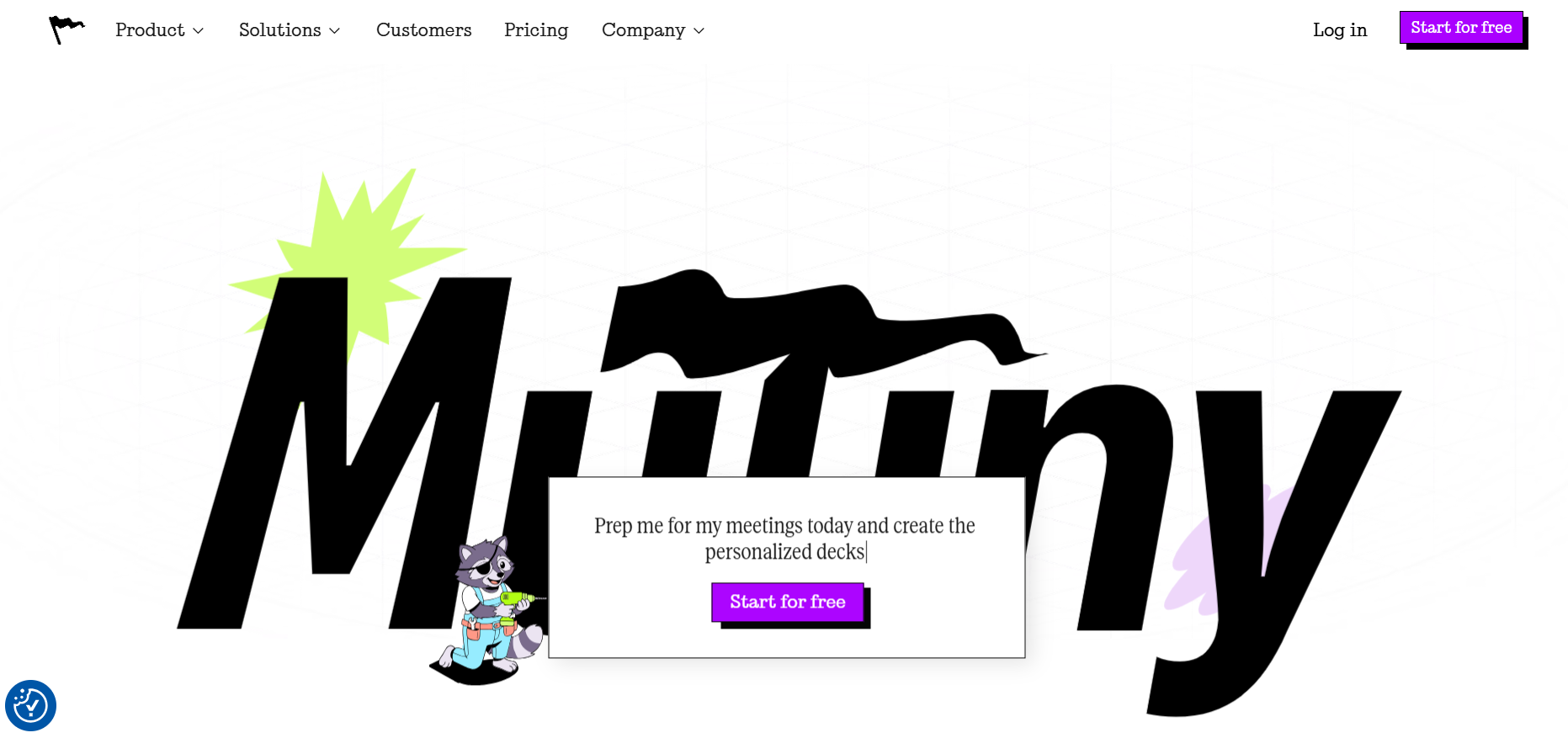
Mutiny is strong at multi-variant testing, serving different hero images, headlines, CTAs, and social proof to different account segments at the same time.
It needs to be paired with a separate visitor identification tool (Clearbit or RB2B, for example) to resolve which accounts are actually visiting, since identification isn't Mutiny's deepest strength on its own.
Pricing has shifted in 2026: Mutiny now offers a free plan for small teams, a Business tier around $50/month, and Enterprise plans starting near $40,000/year with CRM integrations, SSO, and a dedicated customer success manager.
That's a meaningful change from the enterprise-only, demo-required model Mutiny ran previously, but the full-featured tier is still built for well-resourced marketing teams.
Clearbit — Company Enrichment and Visitor Reveal
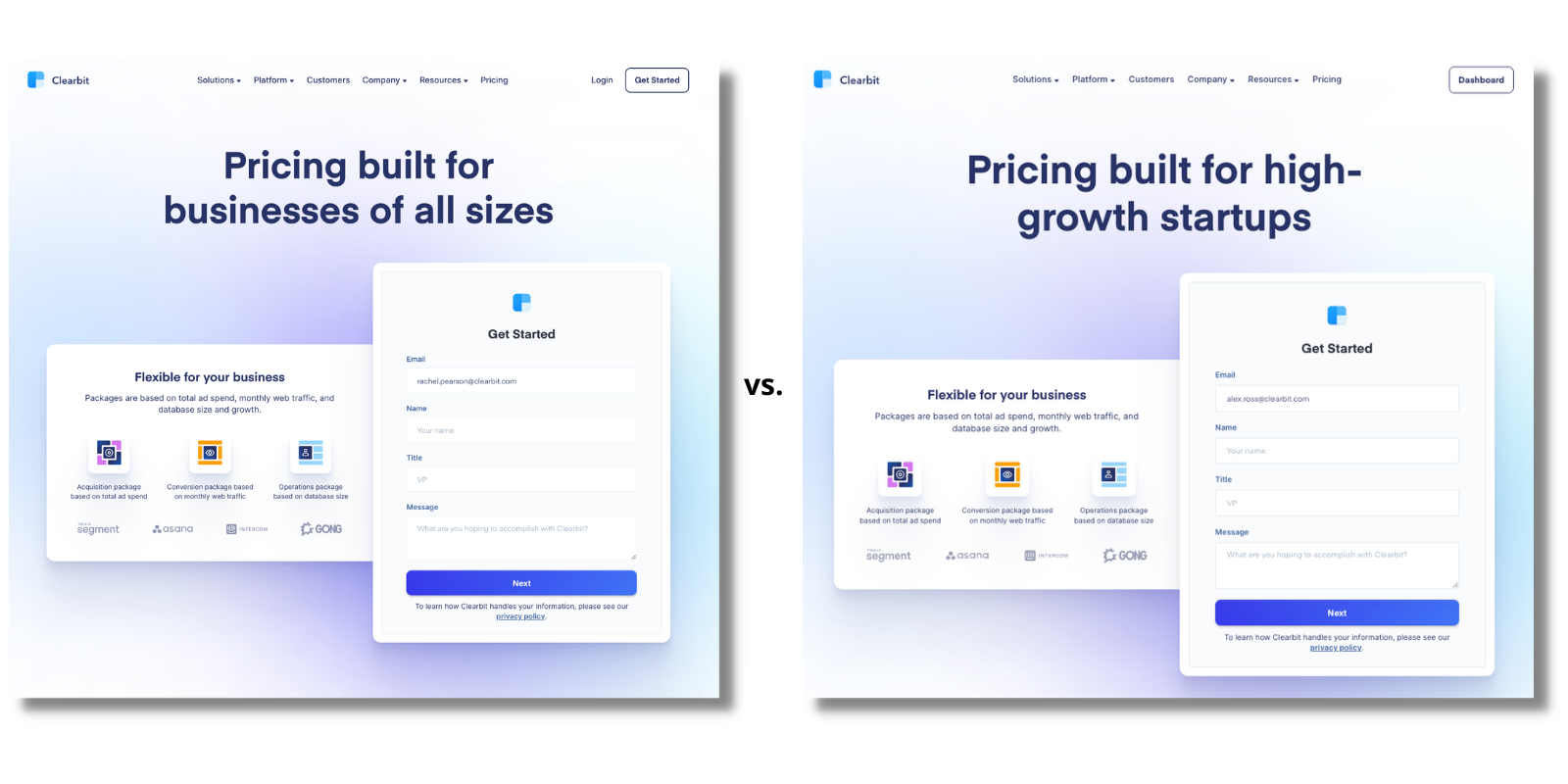
Clearbit provides company enrichment and visitor identification data, telling you who's landing on your site at the account level.
It has no native ABM execution layer of its own. You'll need to pair it with a personalization or testing platform like Mutiny to actually act on the data it surfaces.
RB2B — Free-Tier Visitor Identification
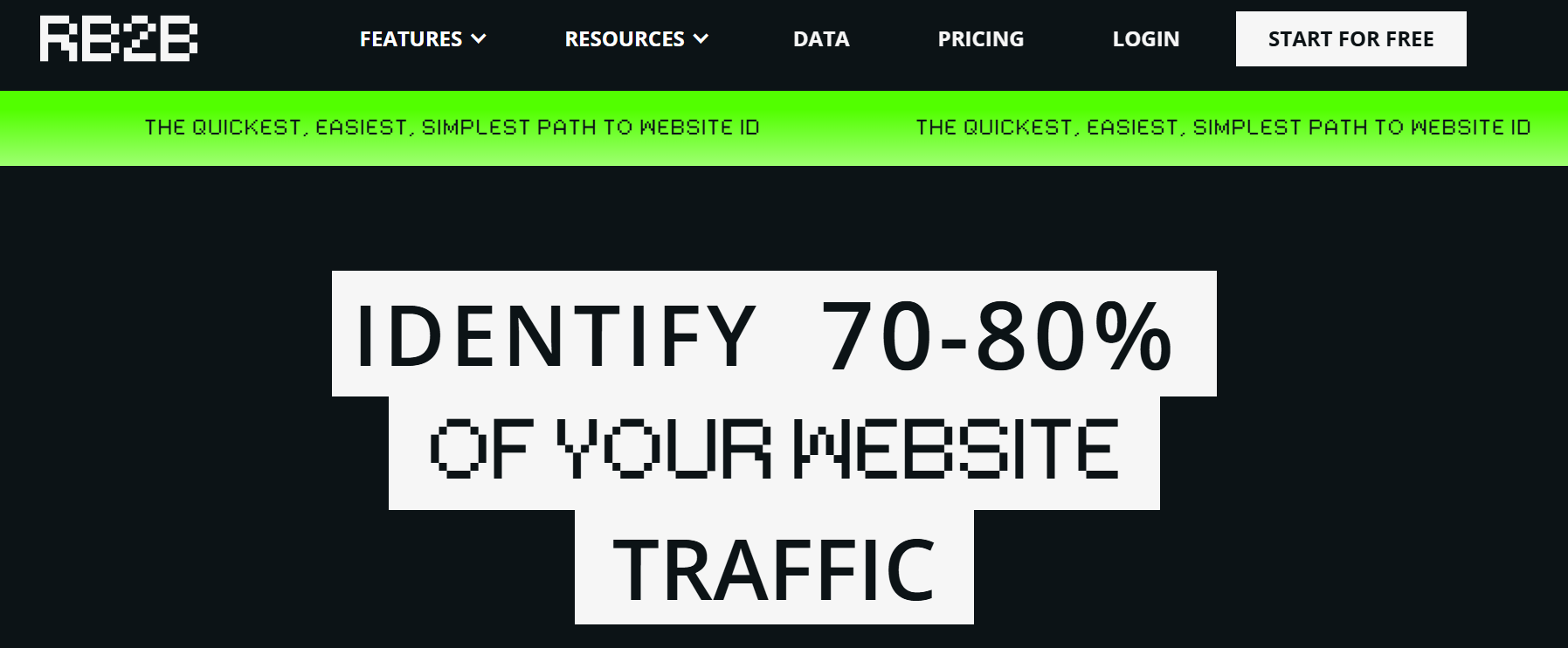
RB2B is a person-level visitor identification tool, currently US-only in coverage. It's positioned as an identification "wedge," surfacing who's visiting without including execution, ads, or attribution on its own.
A free tier makes it an accessible entry point if you want to test the identification piece before committing budget to a full personalization platform.
Demandbase — Enterprise ABM Platform
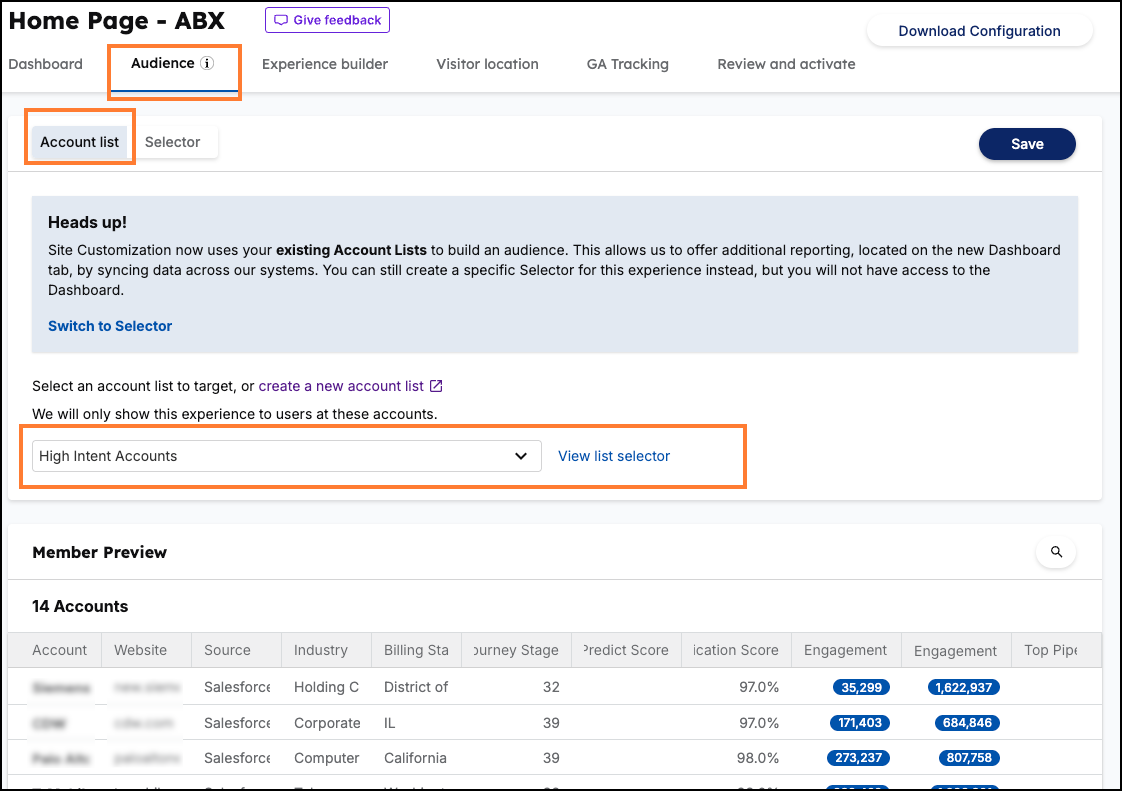
Demandbase is the incumbent, full-featured enterprise ABM platform, combining identification, personalization, and advertising in one system.
It's best suited to larger enterprise revenue teams running mature ABM programs. For smaller or mid-market teams, it's often more platform than the budget or use case actually calls for in 2026.
HubSpot Smart Content / Webflow Conditional Content
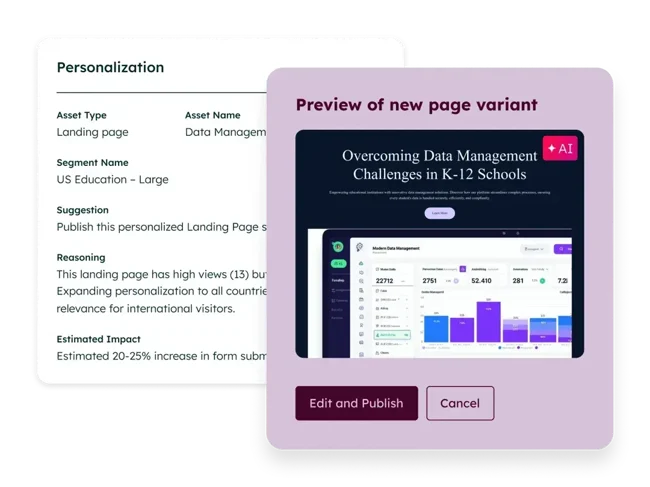
If you're already on HubSpot or Webflow, both offer CMS-native personalization, delivering conditional content based on known contact or company properties without adding a new vendor.
The tradeoff is sophistication. These options cost less and take less time to set up than dedicated ABM personalization platforms, but they won't match the depth of a purpose-built tool like Mutiny for complex, multi-variant testing.
How to Choose the Right Personalization Approach and Tools
Start with segment-level personalization using CMS-native tools before investing in enterprise platforms like Mutiny or Demandbase. There's no reason to pay enterprise prices before you've proven the approach works at a smaller scale.
Reserve full 1:1 personalization for named accounts already in active pipeline, where the potential deal value clearly justifies the effort involved.
Budget realistically. A full stack combining identification, testing, and execution tools can run well into six figures annually once you're at the enterprise end, even before you account for the internal time needed to run it.
Most importantly, match tool investment to your actual ABM maturity. A sophisticated personalization stack pointed at low or untargeted traffic doesn't produce better results, it just produces a bigger invoice. The tools amplify what's already working. They don't create demand on their own.
Common Mistakes in B2B Website Personalization
Most personalization programs don't fail because the strategy was wrong. They fail because of a handful of avoidable execution mistakes that show up again and again.
Buying the Platform Before Earning It
The most common mistake is investing in an enterprise personalization platform before you have the account targeting and traffic volume to justify it. A $40,000-a-year tool pointed at a trickle of untargeted visitors doesn't produce better personalization, it just produces a bigger invoice and a harder renewal conversation next year.
This usually happens because a competitor or a conference talk made the enterprise tool look like table stakes, not because the team actually ran the math on their current traffic and segment volume.
What to do instead: start with CMS-native personalization (HubSpot Smart Content, Webflow conditional content) and prove the conversion lift on a small scale first. If segment-level personalization is already producing measurable lift on your existing traffic, that's your signal you've outgrown the free tools, not before.
Personalizing Without a Hypothesis
It's easy to swap a logo or a headline just because the tool makes it technically possible. That's not the same as testing a real assumption about what a specific visitor actually needs to see to move forward.
Personalization without a hypothesis tends to produce changes that look sophisticated in a demo but don't move any real metric, because nobody defined what "better" was supposed to look like before shipping the variant.
What to do instead: write down the specific belief before you build the variant. For example, "fintech visitors convert higher when they see a compliance-specific proof point in the hero" is testable. "Let's personalize the homepage for fintech" is not. If you can't state the hypothesis in one sentence, the variant isn't ready to ship yet.
Treating Personalization as a One-Time Project
A segment built in Q1 and never touched again quietly goes stale. Firmographic data ages, industries you targeted six months ago may no longer be your priority, and messaging that felt sharp at launch starts to feel generic again as your positioning evolves.
Teams that treat personalization as a "set it up once" project usually don't notice the decay until conversion on those pages has already been quietly dropping for a quarter or two.
What to do instead: put personalization on the same review cadence as your paid campaigns. A quarterly refresh, checking segment definitions, refreshing proof points, and retiring variants tied to accounts or industries no longer in focus, keeps the program from decaying silently.
Over-Personalizing Into Invasive Territory
There's a real line between "this feels relevant" and "this feels like I'm being tracked." Referencing a visitor's company name or industry reads as helpful. Referencing granular behavioral details, like exactly which pricing page they viewed three visits ago, can read as unsettling rather than impressive.
This mistake often comes from teams assuming that more personalization is always better, when in practice the visitor's comfort level matters as much as the technical capability.
What to do instead: personalize on firmographic and intent signals (industry, company size, funnel stage) rather than granular individual browsing history. If a personalization detail would make you pause if a vendor showed it to you, it's probably one to leave out.
Personalization Needs the Right Visitors, Cleverly Drives Them to Your Site

A personalized website experience is only as valuable as the accounts actually landing on it. The best personalization stack in the world underperforms if it's reacting to the wrong traffic, or not enough of it.
That's the piece Cleverly handles.
As a B2B lead generation agency, we run targeted LinkedIn, cold email, and cold calling outreach that drives the specific accounts and roles your personalization strategy was built for directly to your website. Personalization tools react to whoever shows up.
Outbound is what makes sure the right named accounts and segments actually show up in the first place.
This matters most for companies that already have a personalization strategy in place and now need consistent, targeted traffic feeding it, rather than hoping the right visitors find their way there organically.
We've generated $312M in client pipeline by combining precise targeting with outreach built around the accounts that actually matter to a given campaign, the same logic that makes personalization work in the first place.
Built the personalized experience? Book a strategy call with Cleverly and let's get the right accounts landing on it.
Conclusion
B2B website personalization ranges from broad segment-level experiences all the way to fully 1:1 pages built for named strategic accounts, and the right level of effort depends entirely on what that account is worth to you.
The examples that actually move conversion, named landing pages, industry-specific proof, dynamic CTAs, show measurable lifts when they're targeted correctly instead of applied everywhere by default.
Tool selection should follow your ABM maturity, not the other way around. Start with CMS-native options before committing to enterprise platforms that can run into the tens of thousands annually.
And remember that personalization technology only pays off when it's paired with the targeted outbound driving the right accounts to actually experience it. Build the site experience, but don't skip the part where you get the right people to see it.
Frequently Asked Questions
Free Resource
How to Scale a Profitable Cold Call System
Get the complete guide — download it instantly now.

Free Ebook
Download the Free Guide
Enter your details to get instant access.
You're all set! 🎉
Your ebook is downloading now.
Click below if the download didn't start automatically.