Modified On :
September 3, 2026
Key Takeaways
- A single generic prompt can't replicate a real editorial process. The system that works is a set of structured foundation files (voice, viewpoints, positioning) that Claude references before it drafts anything.
- The research step is what separates a post that adds to the conversation from one that repeats a settled take. Skipping it is the single biggest reason AI-assisted posts underperform.
- The hook, not the topic, decides whether anyone reads past line two. Generating and sorting multiple hook options by emotional trigger beats settling for the first draft.
- Human checkpoints (angle selection, hook choice, CTA fit, final edit) are what keep the output aligned with actual intent instead of a fully automated pipeline.
- Claude for LinkedIn posts works best as a repeatable production system, not a one-off prompt. Once the foundation files exist, the per-post workflow takes roughly 10 minutes without cutting corners on quality.
Scroll LinkedIn for five minutes and you'll spot the pattern almost immediately: the "I'm not going to sugarcoat this" opener, the bolded one-liner, the bullet list that says nothing new.
That's not a coincidence. Roughly 81% of long-form LinkedIn posts were classified as likely AI-generated as of mid-2026, and readers have gotten good at spotting the formula.
The part most people miss though: the problem isn't AI involvement. It's the absence of a real process behind it. Data shows AI-assisted LinkedIn posts, where a human still edits and directs the output, saw a 5% engagement lift, while fully AI-generated posts with no human input dropped 2% in performance. The gap between those two numbers is the entire argument for this guide.
Claude for LinkedIn posts isn't about typing a topic into a chat window and hoping for something publishable. Claude Code and Claude's project and skills features can run an actual research-to-draft workflow: pulling context, generating angles, drafting with a defined voice, and leaving room for a human to make the calls that matter.
This guide walks through how to set that system up, run it for every post, and keep the checkpoints that stop your content from reading like everyone else's.
This is for founders, marketers, and LinkedIn creators who want a repeatable system for consistently good posts, not a single prompt they'll paste into every conversation and hope works.
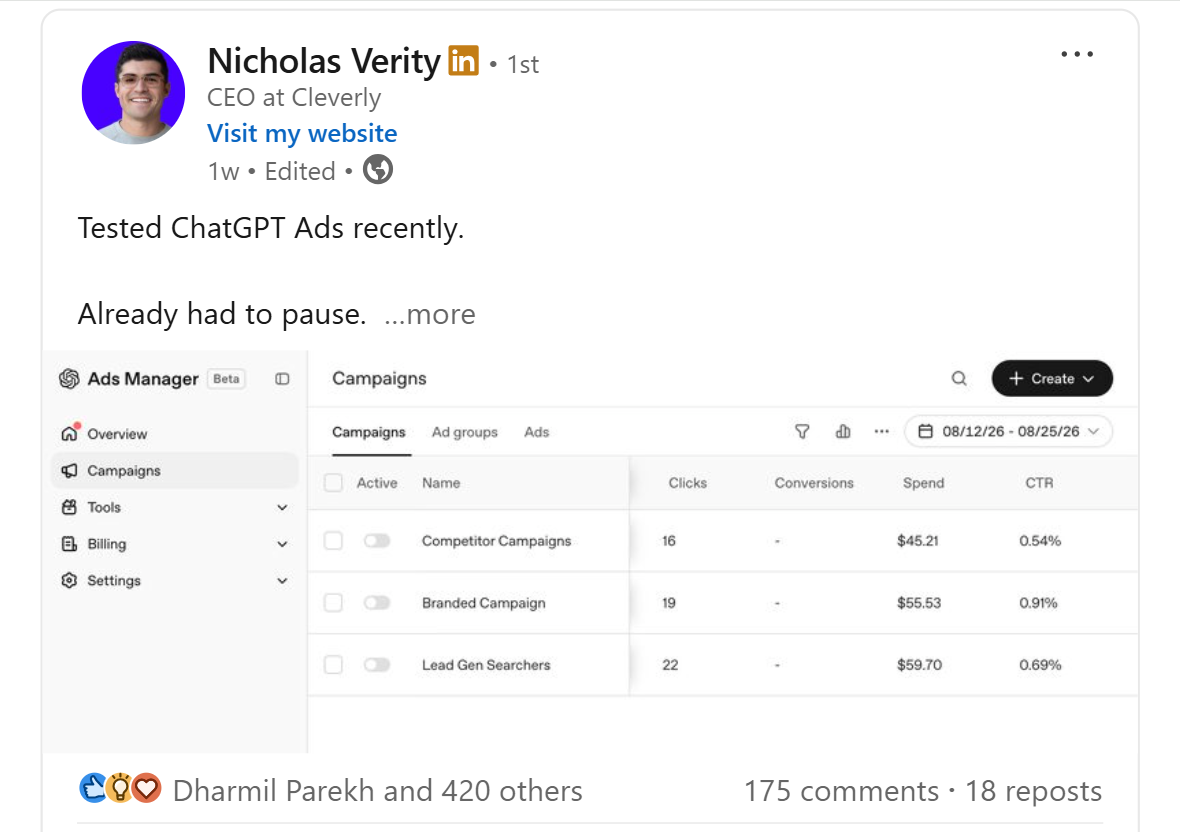
What "Using Claude for LinkedIn Posts" Actually Means
Typing "write me a LinkedIn post about cold email deliverability" into a chat window is the exact shallow approach that's flooding feeds with content nobody asked for. It skips every step that makes a post worth reading: what's already been said, what your actual opinion is, and who you're writing for.
Claude AI for LinkedIn content works differently when you treat it as a system instead of a single interaction. Claude Code, or Claude's desktop projects and skills, can hold structured context: your voice, your positioning, your actual opinions on the topics you post about.
That context gets referenced every time you draft, instead of getting re-explained (or forgotten) in a new chat each time.
It's a Multi-Step Process, Not a Single Prompt
Claude Code can run connected workflows: research, hook generation, drafting, and editing as sequential steps rather than one prompt producing one output. Each step feeds the next. Research surfaces a gap. The hook step turns that gap into an opening line. The draft step writes the post using your voice and the research. Nothing here happens in isolation.
The Draft Is a Starting Point, Not a Finished Post
Even with a strong system behind it, the output is a strong first draft. It still needs a human review pass before it goes anywhere near the publish button. The goal isn't a "generate and forget" pipeline. It's a system that hands you a draft worth editing instead of a blank page.
Step 1: Build the Foundation Files
These files get set up once. Every post you generate afterward references them, so the setup time pays for itself after the first two or three posts.
Voice Profile
Write down your specific style rules: sentence length, words you never use, how formal or casual you sound, whether you use contractions, how you punctuate. Be specific about banned words and phrases too. This single document is the biggest factor separating content that sounds like a real person from content that sounds like every other AI-assisted post on the platform.
Viewpoints
Document your actual opinions on the topics you're going to post about, including the contrarian ones. Not "cold outreach is important." More like "most SDRs are optimizing the wrong metric in week one." Generic, safe opinions produce generic, forgettable posts no matter how clean the writing is.
Positioning
Define where you or your business sit in the market right now and who you're actually talking to. This keeps every generated post aligned with what differentiates you, instead of drifting into generic industry commentary anyone could have written.
Content Pillars
Pick 3 to 5 core topics you'll consistently post about. This keeps your output focused instead of drifting post to post into whatever's trending that week.
Market Awareness
Note what your audience already understands, what's actively debated in your space, and where most people already agree. This is what lets Claude spot an actual content gap instead of restating a take that's already been made a hundred times.
Step 2: Run the Production Workflow for Each Post
Once the foundation files exist, these steps run in sequence for every individual post.
Research the Topic Before Drafting
Pull recent conversation on your topic to see what's already being said and where the gaps are. The goal is finding one specific, grounded point nobody else is making, not starting from a blank page or a generic opinion pulled from training data.
Research-backed posts consistently outperform posts built purely on an ungrounded AI take, which lines up with what marketers are seeing across the board: 35% say original research is much more valuable than AI-generated material for building trust and authority.
Generate Multiple Hook Options
The first two lines decide whether someone stops scrolling. It's the single highest-leverage part of the entire post, and it's worth treating that way. Text posts still generate strong impression volume on LinkedIn, but only if the opening earns the next line.
Generate 10 to 20 hook variations grouped by emotional trigger (curiosity, desire, fear, disagreement) instead of settling for whatever comes out first. Then pick deliberately, based on the angle your research surfaced, not automatically.
Draft the Full Post
Claude drafts using the voice profile, viewpoints, positioning, and research from the earlier steps. The draft should reflect one specific angle and one specific opinion, not a balanced, safe summary of the topic that could have come from anyone. Treat this as a strong first draft, not a finished post.
Select the Right Call to Action
Not every post needs a traditional CTA. Top-of-funnel content sometimes performs better ending on a strong closing line instead of asking for something. Match the CTA type (a comment prompt, a repost ask, or no CTA at all) to what the post is actually trying to do and where it sits in the funnel.
Run the Humanizer Pass
This step strips out banned words and the common AI writing tics that make a post instantly recognizable ("It's not X, it's Y" is the classic example). Run it on every single post without exception. It's the step most people skip, and it's the one that matters most for whether the post reads as authentic.
Pro tip: Keep a running list of phrases you catch in your own posts (or competitors' posts) that scream AI. Add them to your voice profile's banned list as you spot them. This list should grow every month.
🚀 Manage Better. Grow Faster.
The right tools organize your marketing. Our LinkedIn, cold email, and cold calling campaigns help turn that strategy into 15–30 qualified meetings every month.
Why Research and Human Checkpoints Matter More Than the Prompt

Most people using AI for LinkedIn posts skip research entirely, which produces generic opinions that add nothing to a conversation that's already happening. That's the exact category readers have learned to scroll past.
Multiple human checkpoints (choosing the angle, selecting the hook, approving the CTA, doing a final edit) keep the content aligned with actual intent instead of becoming a fully automated output nobody actually stands behind.
And this matters more on LinkedIn specifically, because categories where readers evaluate the author before trusting the claim punish AI writing hard, while categories that reward formula tolerate it more, and most B2B marketing sits firmly in the first group.
Voice consistency from the foundation files is what actually makes readers unable to tell AI was involved. Not the absence of AI. The presence of a real, consistent point of view running through every post.
The goal isn't full automation. It's using AI to handle the heavy lifting of research and drafting so a human can focus on the strategic calls and the final polish, which is exactly where the value gets added or lost.
How Cleverly Turns Your LinkedIn Content Into Booked Meetings
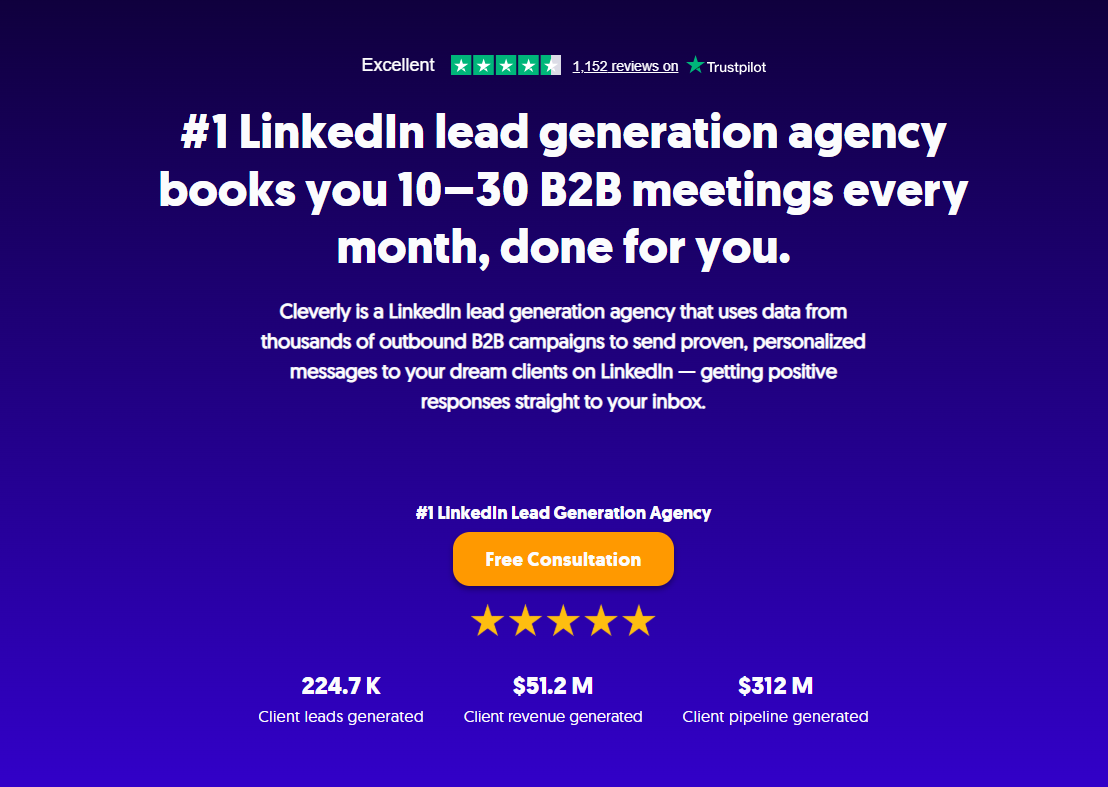
A strong, research-backed content system builds visibility and engagement, but engagement on its own doesn't reliably turn into sales conversations. That's the gap most LinkedIn content strategies never close.
This is where Cleverly comes in.
As a LinkedIn outreach agency, we run targeted campaigns that reach the right prospects directly, working alongside your content instead of depending on organic reach alone to generate meetings. Even a genuinely viral post reaches a broad, unfiltered audience. Outreach targets the specific accounts and roles that actually move the pipeline forward.
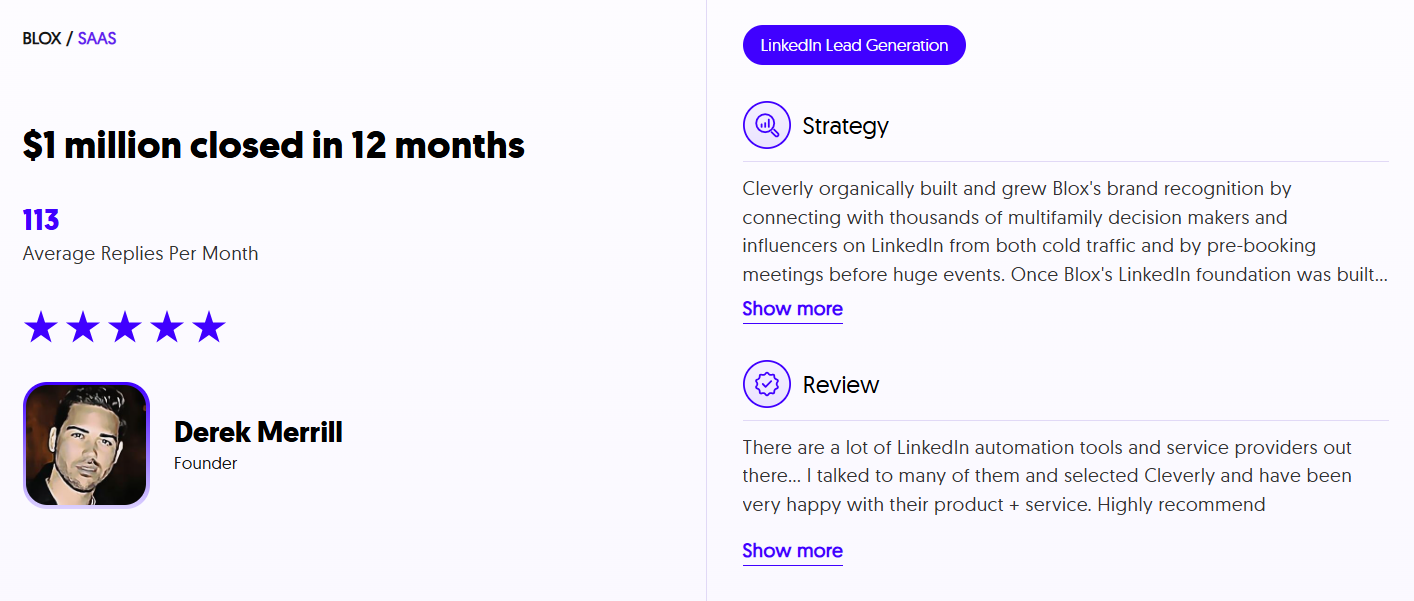
What that looks like in practice: ICP-aligned LinkedIn outreach campaigns that run in parallel with your existing posting strategy, built by a team that's generated $312M+ in pipeline and $51.2M in closed revenue for 10,000+ clients including companies like Amazon, Google, Uber, PayPal, Slack, and Spotify. Content builds the audience. Outreach turns the right slice of that audience into calendar invites.
This works best for creators and companies who already have a solid content engine and want that visibility converted into something a sales team can actually work. If your posts are getting likes and comments but not calls, that's a targeting problem, not a content problem.
Posting content that gets engagement but not meetings? Book a strategy call with Cleverly and see what a targeted outreach layer adds to what you're already publishing.
📈 Turn Marketing Into Pipeline
With 53,000+ meetings booked and $312M+ in pipeline generated, Cleverly helps 10,000+ businesses turn smarter marketing and outbound into predictable growth.
Conclusion
Making LinkedIn posts with Claude works best as a structured system, not a single clever prompt. Foundation files that capture your voice, viewpoints, and positioning, paired with a research-to-humanizer production workflow, are what actually separate content that lands from content that reads like everyone else's AI output this year.
Once the foundation files are set up, the whole thing takes roughly 10 minutes per post, without giving up the strategic and voice control that makes a post actually worth someone's attention. AI handles the heavy lifting of research and drafting. The strategic decisions and the final polish still need a human paying attention.
Frequently Asked Questions
Free Resource
How to Scale a Profitable Cold Call System
Get the complete guide — download it instantly now.

Free Ebook
Download the Free Guide
Enter your details to get instant access.
You're all set! 🎉
Your ebook is downloading now.
Click below if the download didn't start automatically.