Table of Contents
What This Workflow Does (and Doesn't Do)
How to Use Claude Code to Enrich and Analyze a Prospect List (Step by Step)
Why This Approach Beats Manual List Review
Common Mistakes When Enriching Prospect Lists with AI
How Cleverly Uses Enriched, Scored Lists in Outreach Campaigns
Conclusion
Frequently Asked Questions
Modified On :
September 4, 2026
Key Takeaways
- Claude Code for lead enrichment works on lists you already own (Sales Navigator exports, CRM pulls, event lists) — it does not scrape LinkedIn or collect new data.
- Connecting enrichment providers through API or MCP lets Claude Code fill in missing firmographic and contact fields on records that started with just a name and title.
- Turning a written ICP into explicit scoring rules produces consistent, explainable lead scores. Vague instructions like "find the good ones" do not.
- A waterfall approach across multiple enrichment providers closes coverage gaps that a single data source leaves behind.
- Enrichment and scoring get a list ready for outreach. Someone still has to run that outreach consistently for it to turn into meetings.
Most exported prospect lists look like this: a name, a job title, maybe a company. That's it. No employee count, no verified email, no way to tell which 50 contacts out of 500 are worth calling first.
Sales teams feel this gap directly. Salesforce's 2026 State of Sales report found that sellers using AI agents expect a 34% reduction in prospect research time, and 54% of sellers say they've already put AI agents to work in their process.
Separate research on data enrichment puts the manual cost even more plainly: reps lose 20% to 30% of their day just researching prospects by hand, one LinkedIn tab at a time.
This guide is about closing that gap without touching LinkedIn's data directly. You'll learn how to use Claude Code for lead enrichment on a list you've already exported and legitimately own, connect real enrichment providers, turn your ICP into scoring logic Claude Code can apply consistently, and push a prioritized, segmented list back into your CRM.
If you're an SDR, RevOps lead, or founder sitting on a raw export, this is the workflow to run before you send a single message.

What This Workflow Does (and Doesn't Do)
Before going further, it's worth being precise about scope, because this is where a lot of "AI lead gen" content gets sloppy.
This workflow starts with a list you already legitimately have: a Sales Navigator export, a CRM pull, an event attendee sheet, or inbound signups. Claude Code doesn't scrape LinkedIn or pull new profiles off the platform. It connects to legitimate enrichment providers via API or MCP to fill in the gaps on records already sitting in your file.
Here's the practical difference:
That distinction matters for two reasons. First, working from consented, provider-sourced data keeps you inside the terms of service of the platforms you're using. Second, a list built on verified enrichment data is simply more reliable than one padded with scraped, unverified rows.
🚀 Better Data. Better Outreach.
Turn enriched prospect insights into conversations with LinkedIn, cold email, and cold calling campaigns that generate 15–30 qualified meetings every month.
How to Use Claude Code to Enrich and Analyze a Prospect List (Step by Step)
This isn't a single prompt you paste in and walk away from. It's a connected workflow: import, enrich, score, segment, export. Here's how each step works.
Step 1: Import the Existing List
Start by loading your CSV or spreadsheet export directly into Claude Code. It reads CSV files, spreadsheet exports, and data pulled from a connected CRM without any reformatting gymnastics on your end.
The useful part for messy exports: Claude Code can hold a large list, even thousands of rows, in a single session and reason across all of them consistently. You're not manually splitting a list into batches of 100 and hoping the scoring logic stays the same from batch to batch.

Step 2: Connect Enrichment Providers via API/MCP
Next, connect Claude Code to one or more enrichment providers through their API or an MCP (Model Context Protocol) connection. MCP is what lets Claude Code talk to outside data sources and tools directly during a session, so instead of you manually looking up each contact and pasting the results back in, Claude Code can query the provider itself.
Use more than one provider if you can. A waterfall approach, checking a second or third source when the first comes up short, consistently improves match and coverage rates compared to relying on a single provider. This step is what fills in company size, industry, verified email, and funding stage on records that started with only a name and a title.
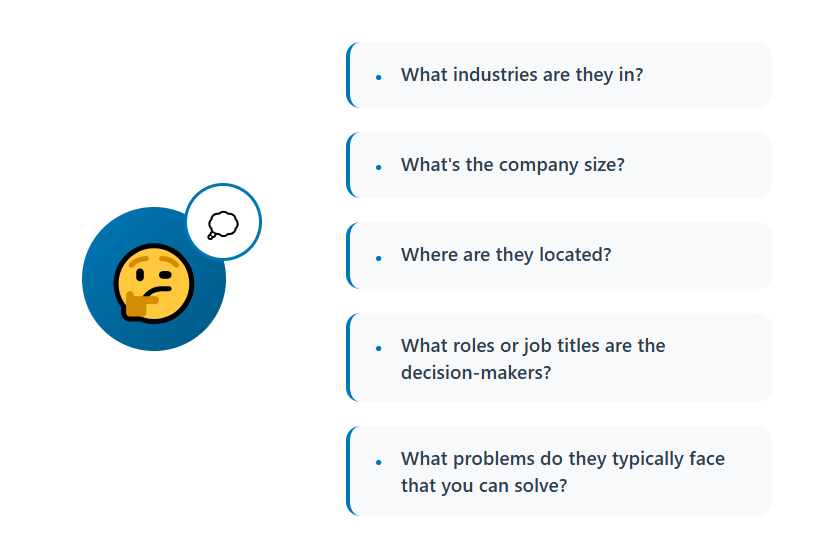
Step 3: Define ICP Criteria as Structured Scoring Rules
This is the step people skip, and it's the one that determines whether the whole exercise is useful.
Take your written ICP description and translate it into explicit rules:
- Target industries and disqualifying industries
- Company size range (by employee count or revenue)
- Seniority level that counts as a decision-maker for your deal
- Any hard disqualifiers (competitor, wrong region, already a customer)
Give Claude Code structured scoring logic, points for company size fit, points for seniority match, points for industry fit, deductions for clear mismatches, rather than a vague instruction like "find the best leads."
Structured criteria produce scores you can actually explain to your VP of Sales. Vague criteria produce a list that looks scored but isn't consistent from row 1 to row 500.
Step 4: Score, Rank, and Deduplicate the List
Once the rules are set, run the enriched list through them. You should get back a ranked output with a numeric score and a short rationale attached to each contact, not just a number floating with no explanation.
At the same time, have Claude Code flag likely duplicates and outdated entries, old titles, companies that got acquired two years ago, records that clearly point to the same person twice.
Enrichment tends to surface these issues anyway since it's pulling fresh data on each row. The result is a prioritized list instead of a flat, unordered export sitting in the order it happened to download.
Step 5: Segment for Personalized Outreach
A single scored list is still one big pile unless you split it. Group contacts into segments by industry, seniority, or fit tier so each segment can get messaging built for it instead of one generic template for everyone.
Your high-fit segment (the top of the ranked list) is worth the extra effort of highly personalized, higher-touch outreach. Lower-fit segments can go into lighter-touch or nurture sequences instead of eating the same amount of rep time.
Step 6: Export Back to the CRM or Outreach Tool
Push the enriched, scored, and segmented list back into whatever CRM or sequencing tool you actually run outreach from. The list only creates value once it's where your team works.
Pro tip: treat this as a repeatable pipeline, not a one-time cleanup project. New list imports (fresh Sales Nav pulls, new event lists, inbound batches) can run through the exact same import-enrich-score-segment-export sequence every time, instead of getting a one-off scrub and then decaying again.
Why This Approach Beats Manual List Review
Manual research and scoring on a mid-sized list eats hours. Reviewing 500 contacts by hand, checking LinkedIn profiles, company websites, and funding news one at a time, can easily consume a full workday or more. A connected AI enrichment workflow compresses that into a fraction of the time.
There's also a consistency problem manual review never really solves. One rep scores leads more generously than another. Criteria drift over the course of a long list as the person doing the scoring gets tired or bored. Structured rules applied by Claude Code score every record against the exact same criteria, whether it's contact 1 or contact 1,000.
And it scales in a way manual review can't. The same workflow that handles 50 contacts handles several thousand without asking for more manual effort per record. That's the real unlock: not that it's faster per contact, but that the speed doesn't degrade as the list grows.
📈 Turn Prospects Into Pipeline
With 53,000+ meetings booked and $312M+ in pipeline generated, Cleverly helps 10,000+ businesses turn smarter prospecting into predictable growth.
Common Mistakes When Enriching Prospect Lists with AI
A few patterns show up again and again when teams try this without a clear process. Here's where things usually break down, and why each one costs more than it looks like at first glance.
❌ Skipping the structured ICP-to-rules step.
This is the mistake that quietly ruins everything downstream. When you tell Claude Code to "find the best leads" without defining what best actually means, you get a list that looks scored but isn't. The model has to guess at your criteria, and that guess can shift subtly from the top of the list to the bottom. One contact might get a high score because their title contains "VP," while a functionally identical contact two rows down gets scored lower because their title happens to say "Vice President" instead.
Without explicit rules, you can't explain why any given score is what it is, and you definitely can't defend it when your manager asks why you're calling company A before company B. Fix this before anything else: write down industry fit, company size range, seniority threshold, and hard disqualifiers as literal rules, not a vibe.
❌ Relying on a single enrichment source.
Every provider has blind spots. One might have strong coverage on funding data but weak email verification. Another might nail mid-market companies but fall apart on smaller or newer businesses. If you enrich against only one source, you'll get a list that looks complete, fields filled in, no obvious gaps, while actually missing or misreporting a meaningful chunk of records.
A waterfall approach, checking a second or third provider whenever the first comes up empty or gives a low-confidence match, closes most of that gap. It costs a bit more in enrichment credits, but it's cheaper than running outreach against contacts with stale titles or dead emails.
❌ Treating enrichment as a one-time cleanup.
Teams often run one big enrichment pass, feel good about the clean list, and stop there. The problem is that B2B data decays fast. People change jobs, companies get acquired, titles shift after reorgs. A list that was 95% accurate three months ago might be sitting at 70% accuracy now, and nobody notices until reply rates start dropping for reasons that seem to have nothing to do with messaging.
Build enrichment into the workflow itself, not as a project you did once. Every new list import, whether it's a fresh Sales Navigator pull, an event list, or a batch of inbound signups, should run through the same import-enrich-score-segment pipeline as a matter of routine.
❌ Not deduplicating before scoring.
This one is purely wasteful. If the same contact shows up twice, once from an old export and once from a new one, and you score both copies, you're burning enrichment credits on a record you already have data for. Worse, duplicates can throw off how big your addressable list actually looks, which matters if you're reporting pipeline coverage or planning campaign volume.
Dedupe first, based on email and name-plus-company matching at minimum, then run enrichment and scoring on what's left.
❌ Letting stale enrichment data pass as current.
This is a subtler version of the "one-time cleanup" problem. Some providers return cached data that's months old without flagging it as such. If Claude Code pulls in a company size or funding stage that hasn't been refreshed recently, your scoring rules will apply cleanly to information that's already wrong.
Ask your enrichment provider (or check the API response) for a last-updated timestamp on key fields, and treat anything past a reasonable freshness window as worth a second look before it drives a high score.
❌ Scoring without a rationale attached.
Some teams get the ranked list and stop there, a name, a score, nothing else. That's a missed opportunity. Have Claude Code attach a short rationale to every score ("high seniority match, company size fits, no disqualifiers"), because that rationale is what lets a rep quickly sanity-check the score, spot an obvious ICP misfit that slipped through, and trust the list enough to actually work it in order instead of cherry-picking based on gut feel.
How Cleverly Uses Enriched, Scored Lists in Outreach Campaigns
An enriched, scored list only pays off once real outreach lands behind it, timed and personalized to match the segmentation you built. That's the part that gets skipped most often, and it's the part Cleverly exists to run.
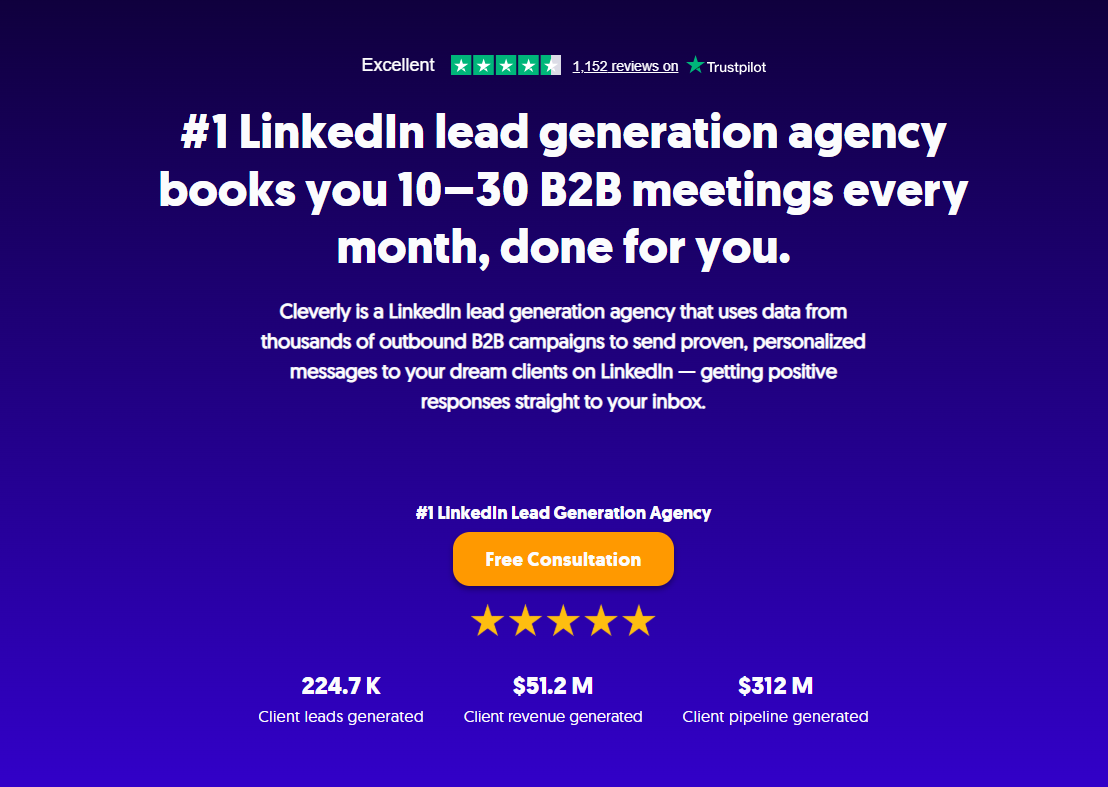
As a B2B lead generation agency, we build ICP-aligned, verified, and segmented prospect lists into every LinkedIn, cold email, and cold calling campaign we run, whether we're starting from a client's existing list or building targeting from scratch.
Across 8+ years of running outbound for B2B teams, we've generated 224.7K leads and $312M in client pipeline, and the common thread behind those numbers is always the same: a well-built list still needs disciplined, personalized execution behind it, week after week, or it just sits there.
If you've already run your list through an enrichment and scoring workflow and it's sitting ready, the next question is who's actually going to work it.
That's where a dedicated outbound team earns its keep. If you'd rather hand off the outreach side entirely, book a strategy call with Cleverly and we'll walk through what running your segmented list would look like.
Conclusion
Claude Code can take a raw, already-owned prospect export and turn it into an enriched, scored, and segmented list through a connected import-enrich-score-export workflow, built entirely on legitimately obtained data paired with legitimate enrichment providers.
The two things that separate a genuinely useful scored list from an inconsistent one are structured ICP rules and a waterfall approach across more than one enrichment source.
None of that replaces the work that comes after. Enrichment and scoring get a list ready. Turning it into booked meetings still takes consistent, personalized execution on the other side, whether you build that muscle in-house or hand it to a team that already runs it every day.
Frequently Asked Questions
Free Resource
How to Scale a Profitable Cold Call System
Get the complete guide — download it instantly now.

Free Ebook
Download the Free Guide
Enter your details to get instant access.
You're all set! 🎉
Your ebook is downloading now.
Click below if the download didn't start automatically.